
- In order to manually add candidates, select a job.
- Beneath the job stages, you will be able to see some action buttons.
- There you will find a button named “Add Candidate”.
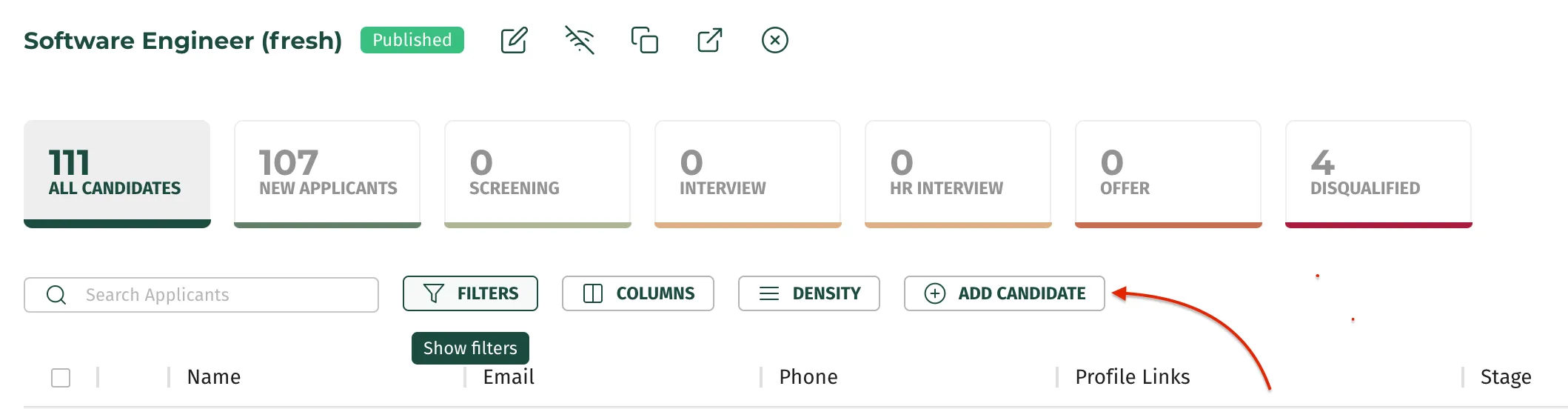
- Click on this button and fill in the required information.
Adding a candidate manually is also possible and it means he/she becomes a part of job's candidate pool. Here's how you can add someone.