

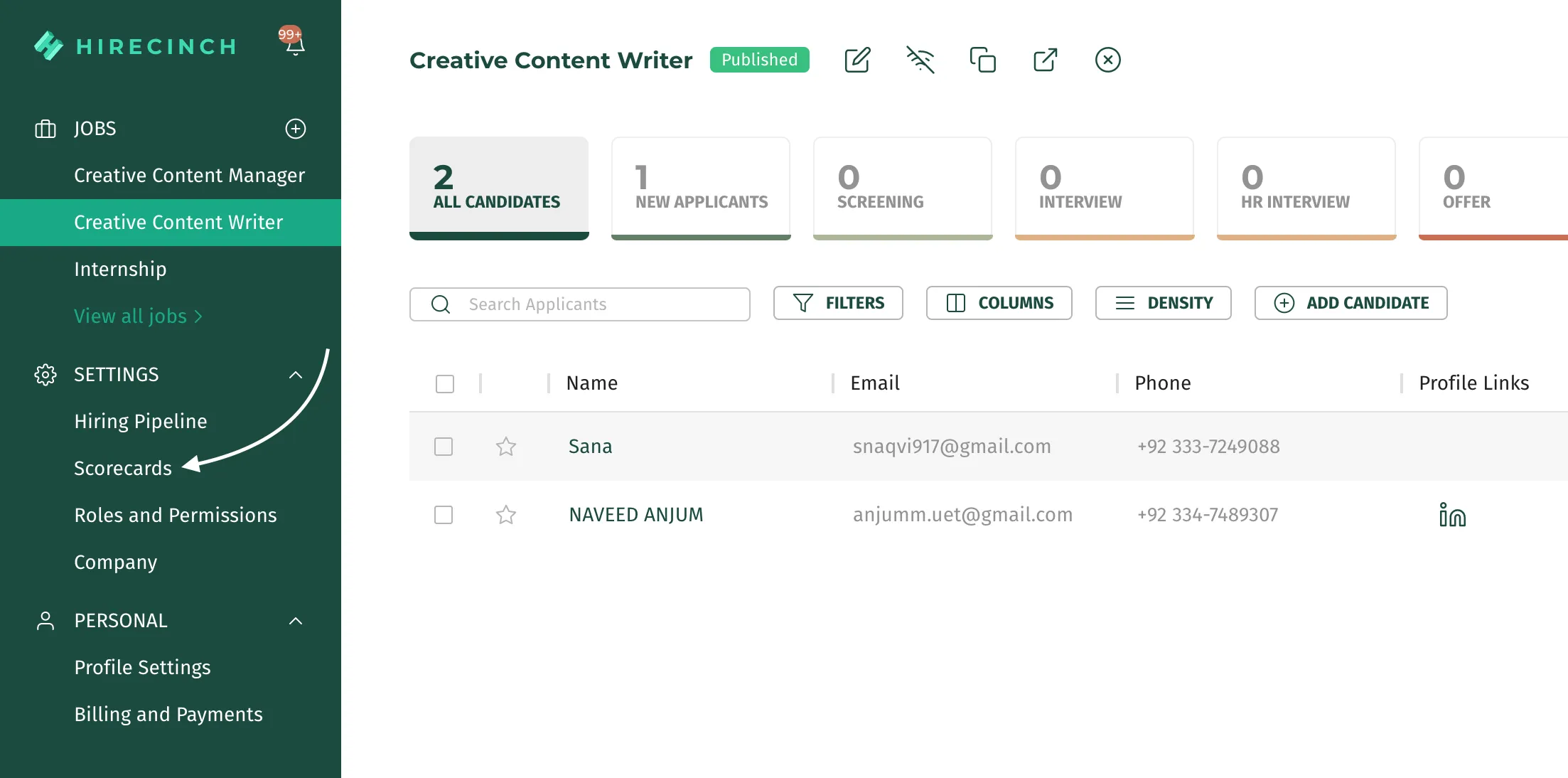
Log in to your Hirecinch account and Click the Company tab under settings in the side nav.
Under the company profile, you will find a button called Visit Careers Page. This button will take you to another tab which will have all your published jobs listed by departments.
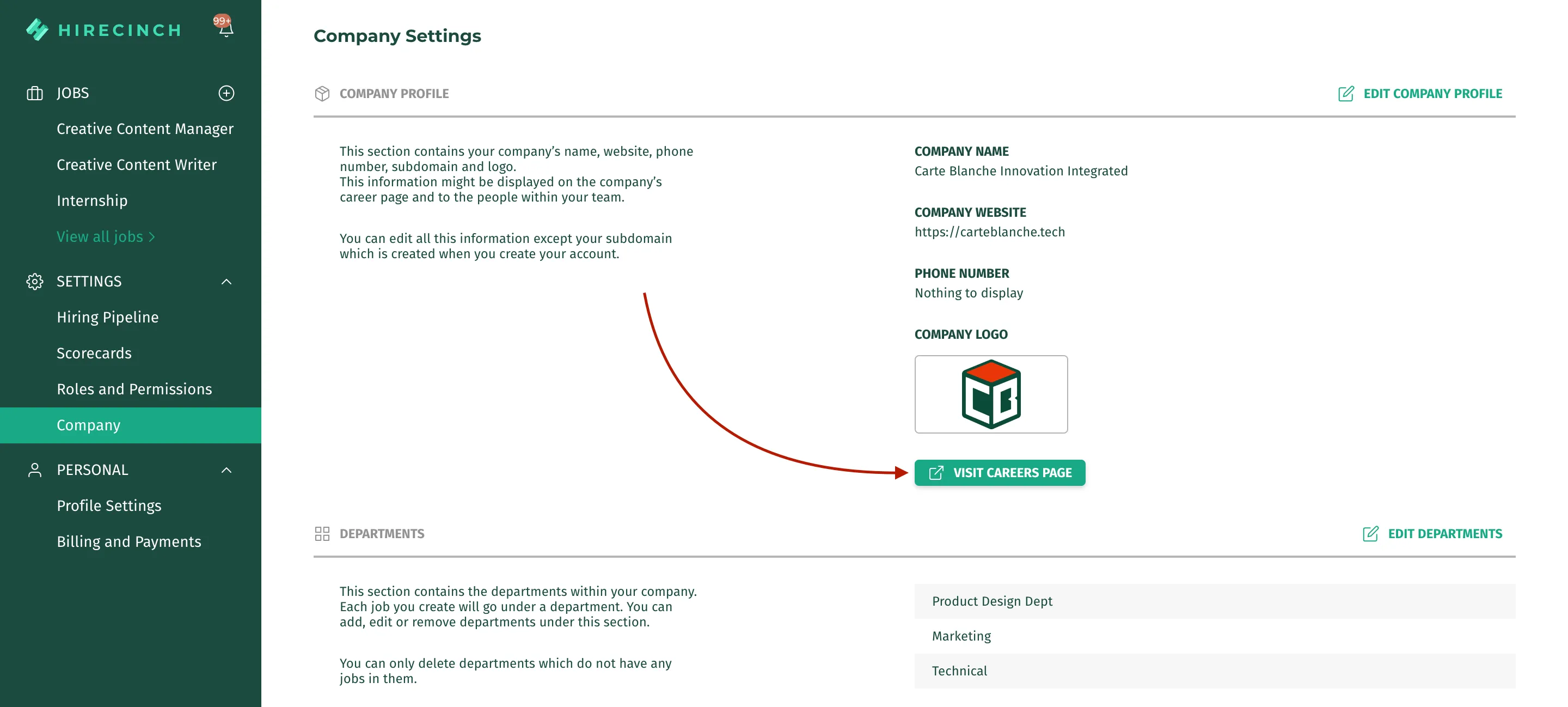
You can link this careers page to your company website by copying this link and adding it to the hypertext of your ‘careers’ heading of your website.