

Closing a job means that candidates can’t apply to that job anymore. If you close a job, you can’t:
- Make changes to the job
- Insert/Delete candidates in the job
- View the job on your careers page
Why close a Job at all?
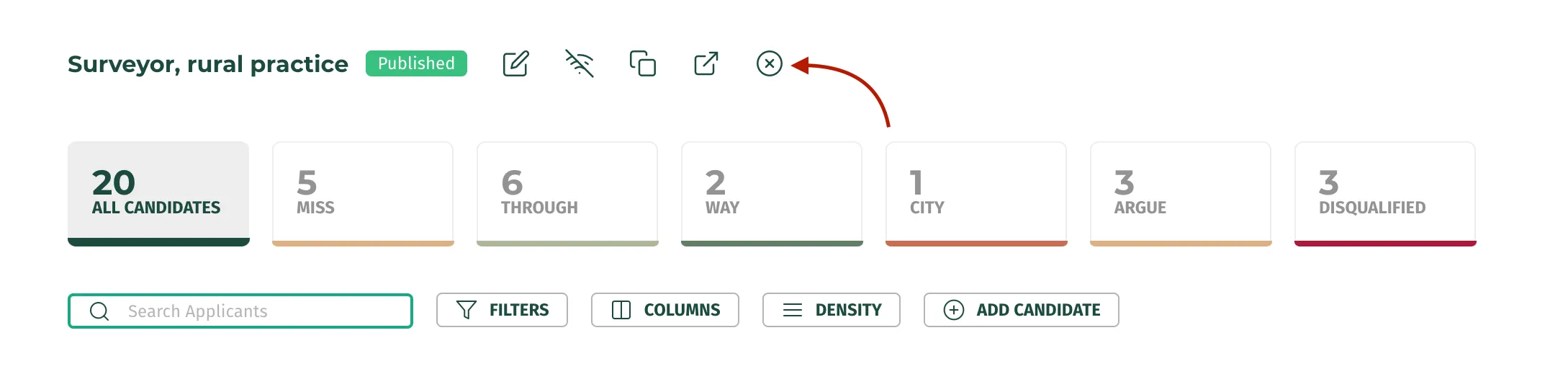
This can be useful when you feel like your candidate pool has reached a limit. Click on the “x” icon to simply Close the Job and stop more candidates from applying!
When a Job is closed, you will still be able to:
- Access candidate data.
- View notes, emails, score, and send offers to candidates.
- Move candidates to different stages.
Deleting a Job:
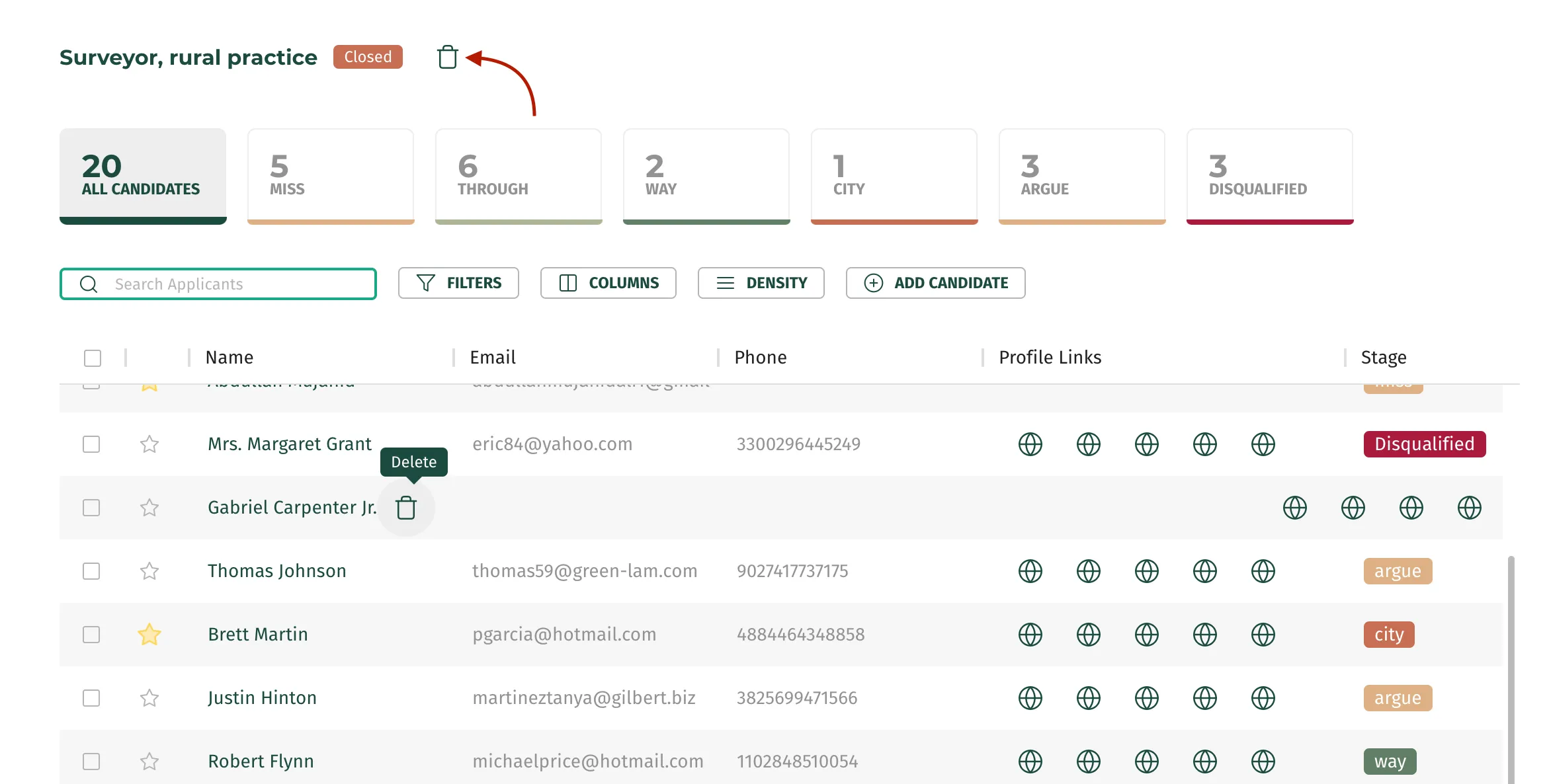
Deleting a job will erase all the data and candidates of that job from your account. Once a job is closed, you will be able to see the “Delete” icon.
Important*: You can’t recover a deleted Job!!*