

“Track candidates better by dividing the hiring into stages in a pipeline.”
Each job will have its own Customisable Pipeline. The pipeline is divided into stages. Hirecinch provides you with a default pipeline that you can edit while creating a job or updating an existing job.
Edit the Hiring Pipeline:
-
If your job already exists, go to the home page and click on the job you want to configure. Click on the “Edit” icon beside the job title.
-
Click on the “Hiring Pipeline” button to edit the Pipeline
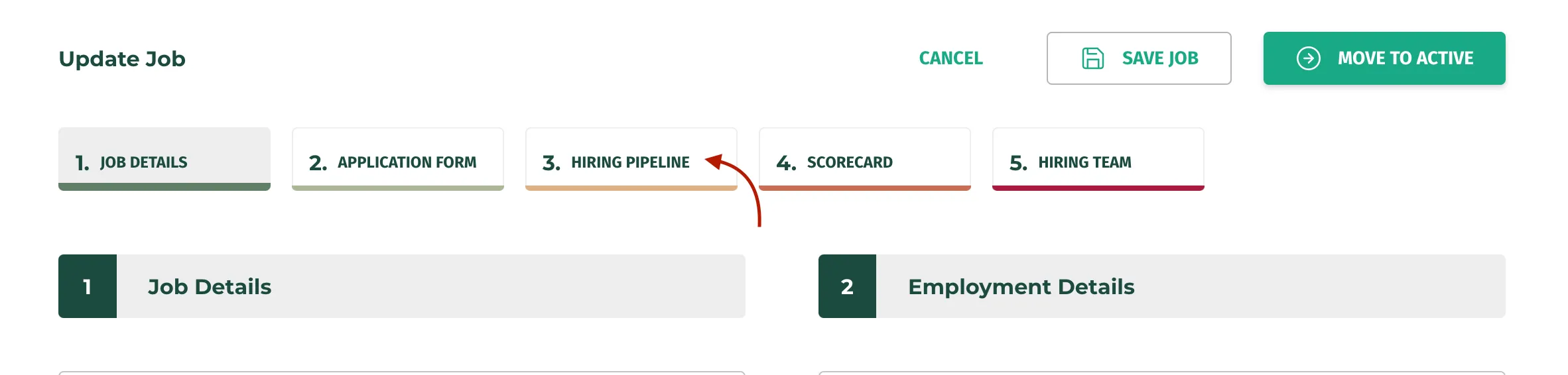
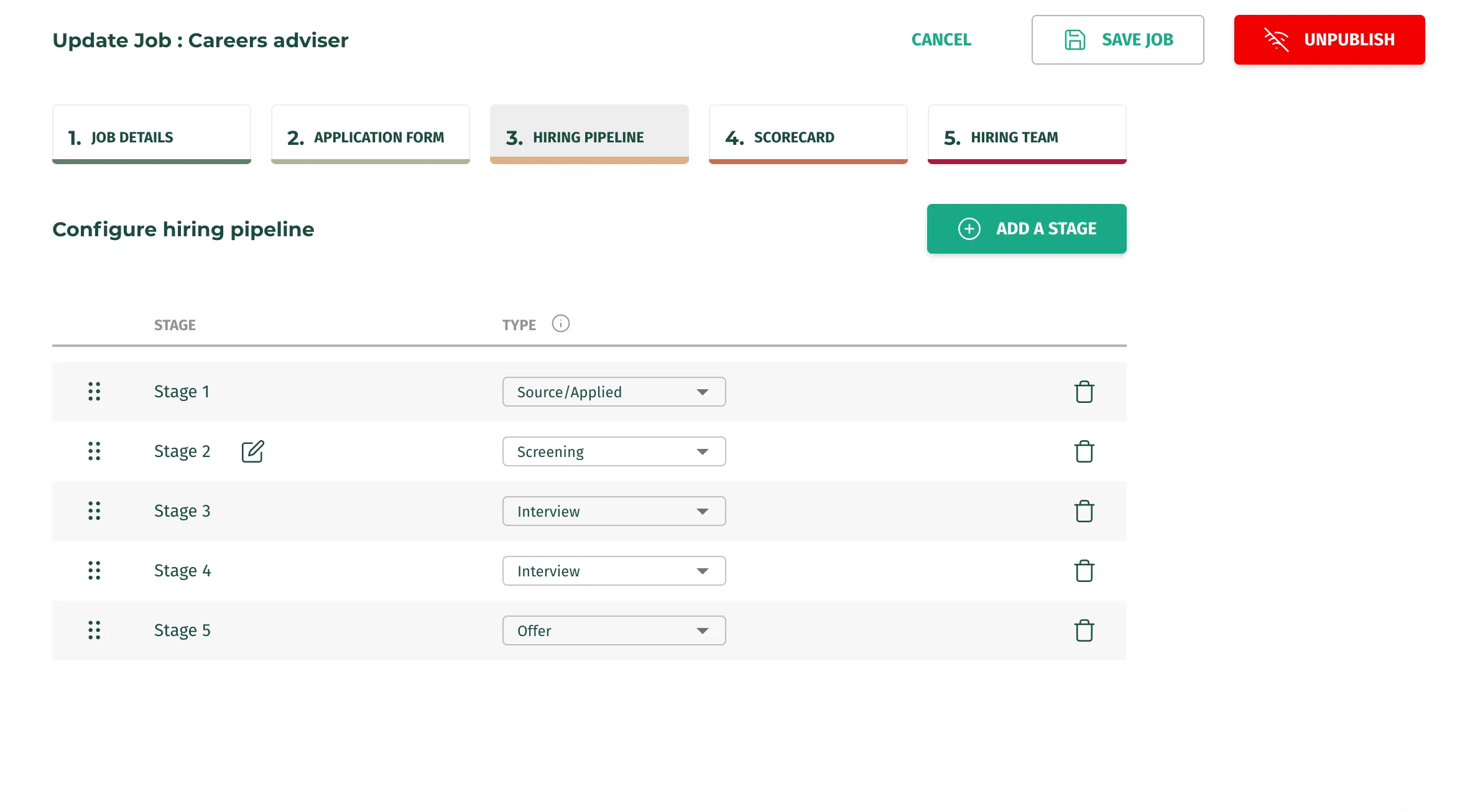
- You will see a list of stages that make up your Hiring Pipeline
- Your applicants will exist in different stages of your pipeline throughout your hiring process
- From here you can either use the default pipeline or create your own
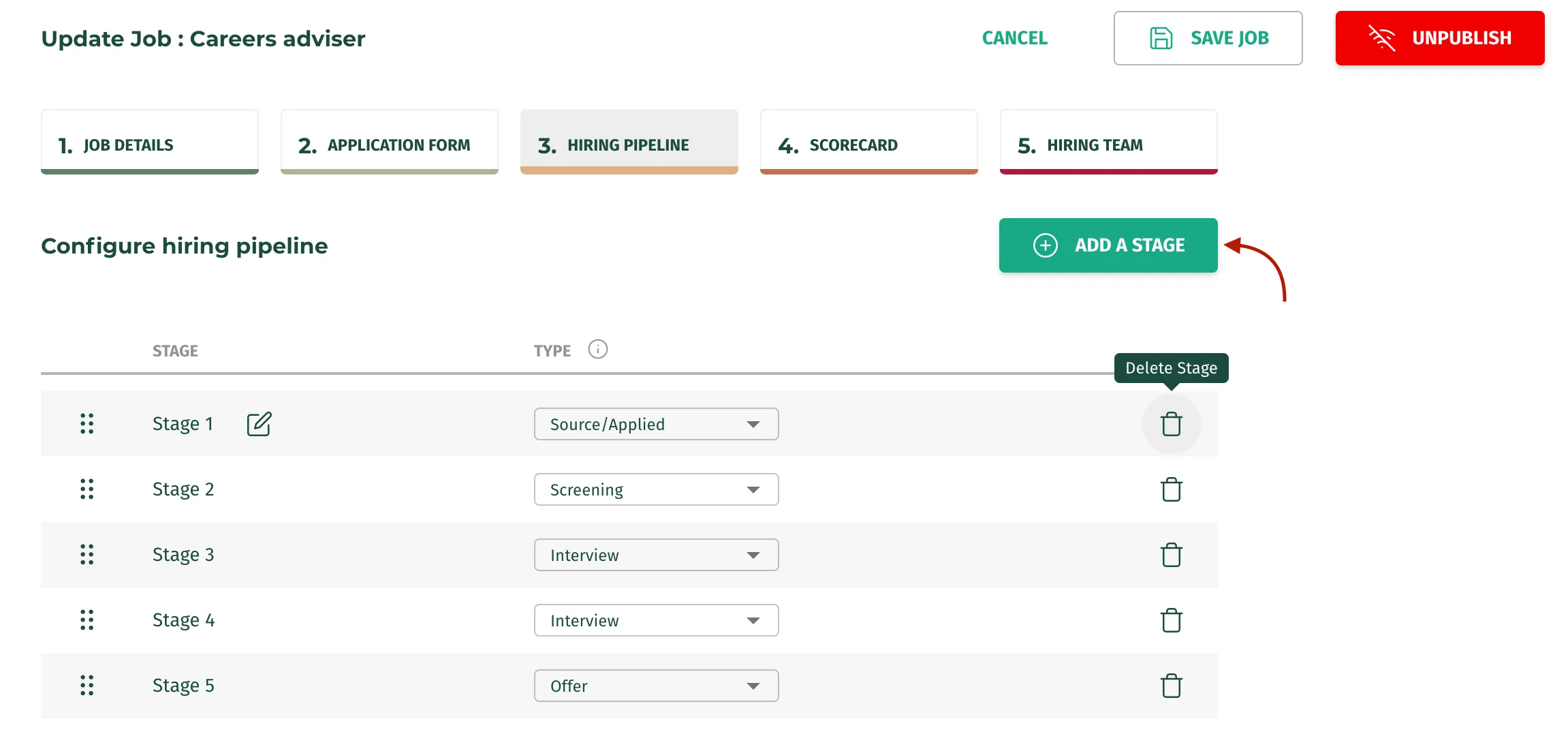
- You can add new stages by clicking on the “Add a Stage” button:
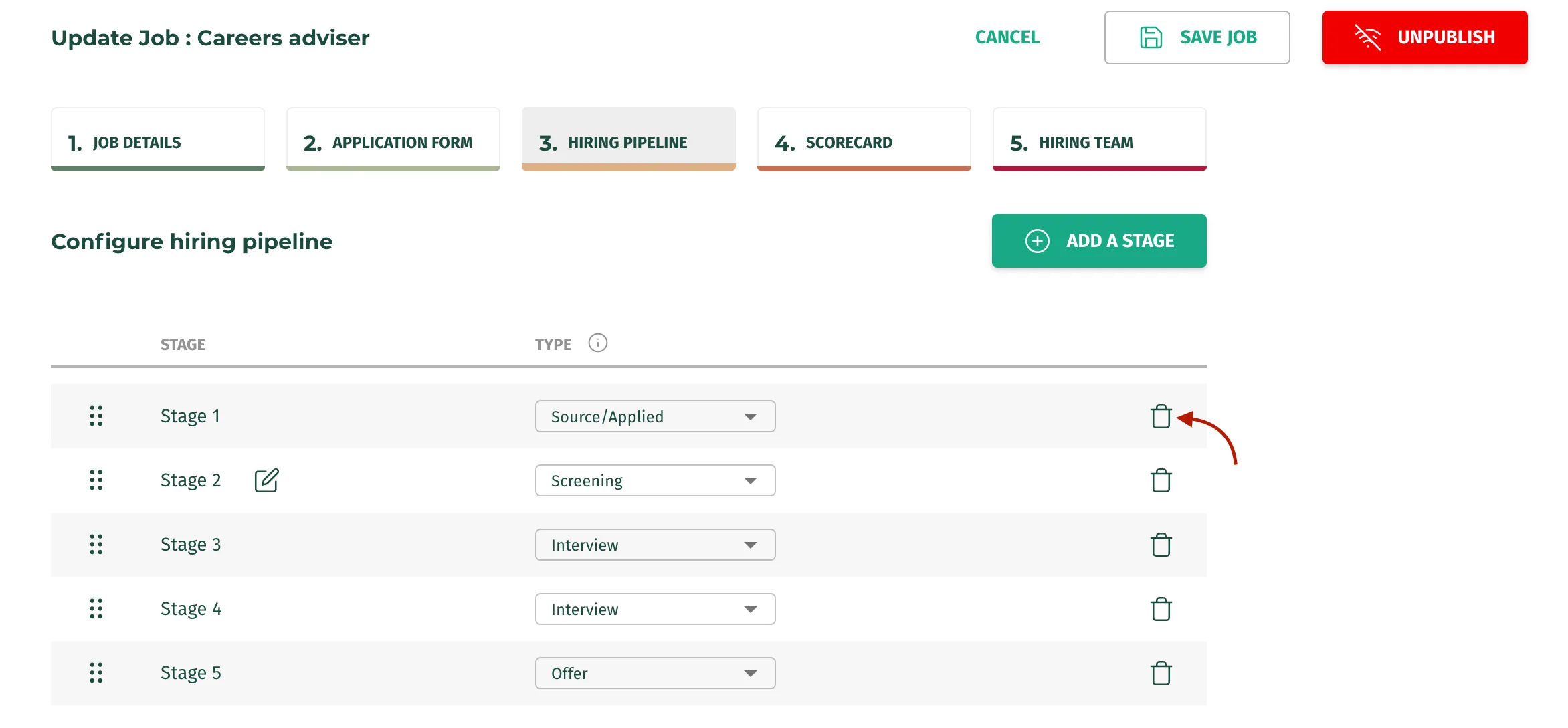
- You can remove stages by clicking on the “Delete” icon:
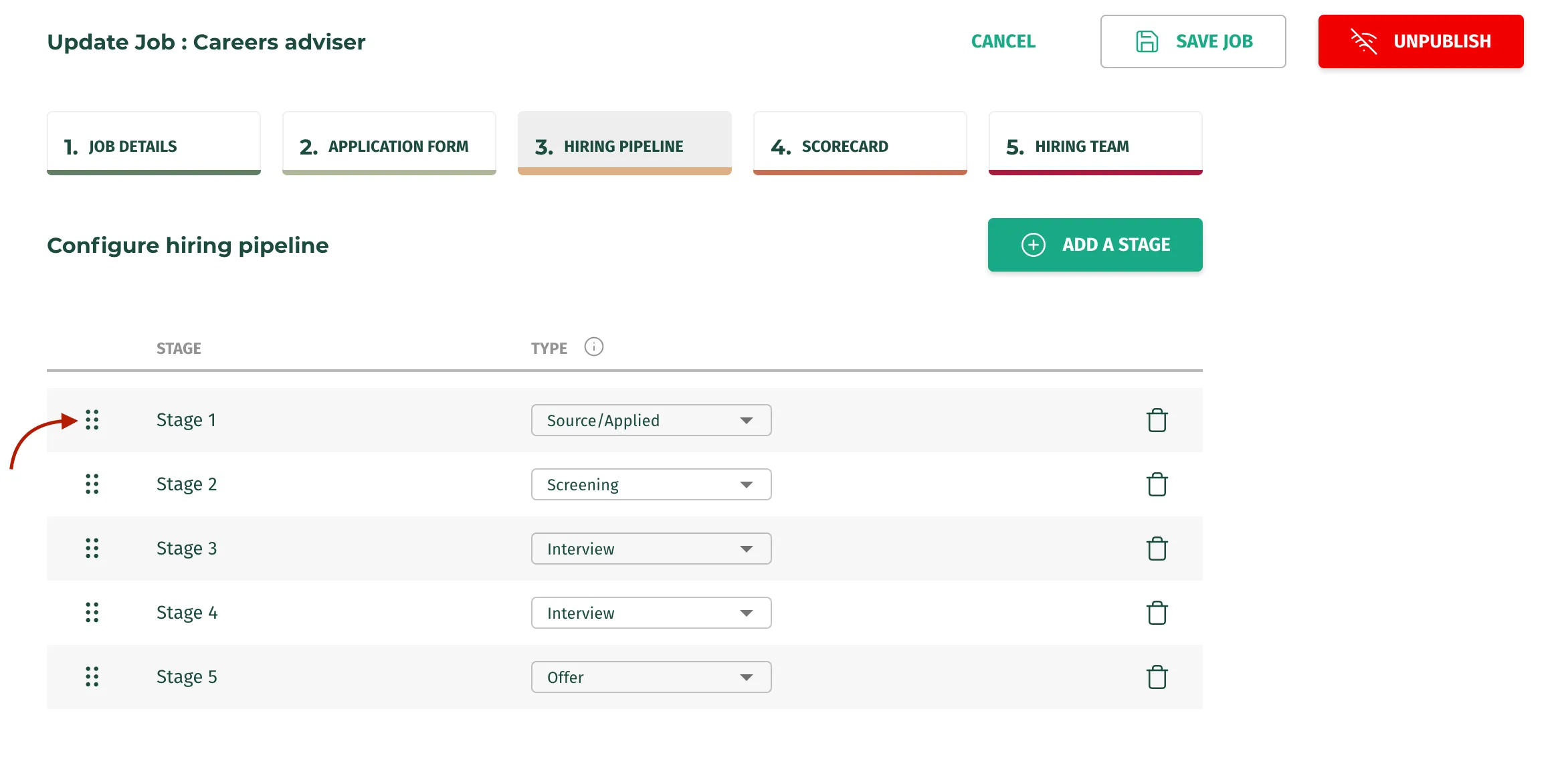
- You can also drag stages to change their order in the hiring pipeline:
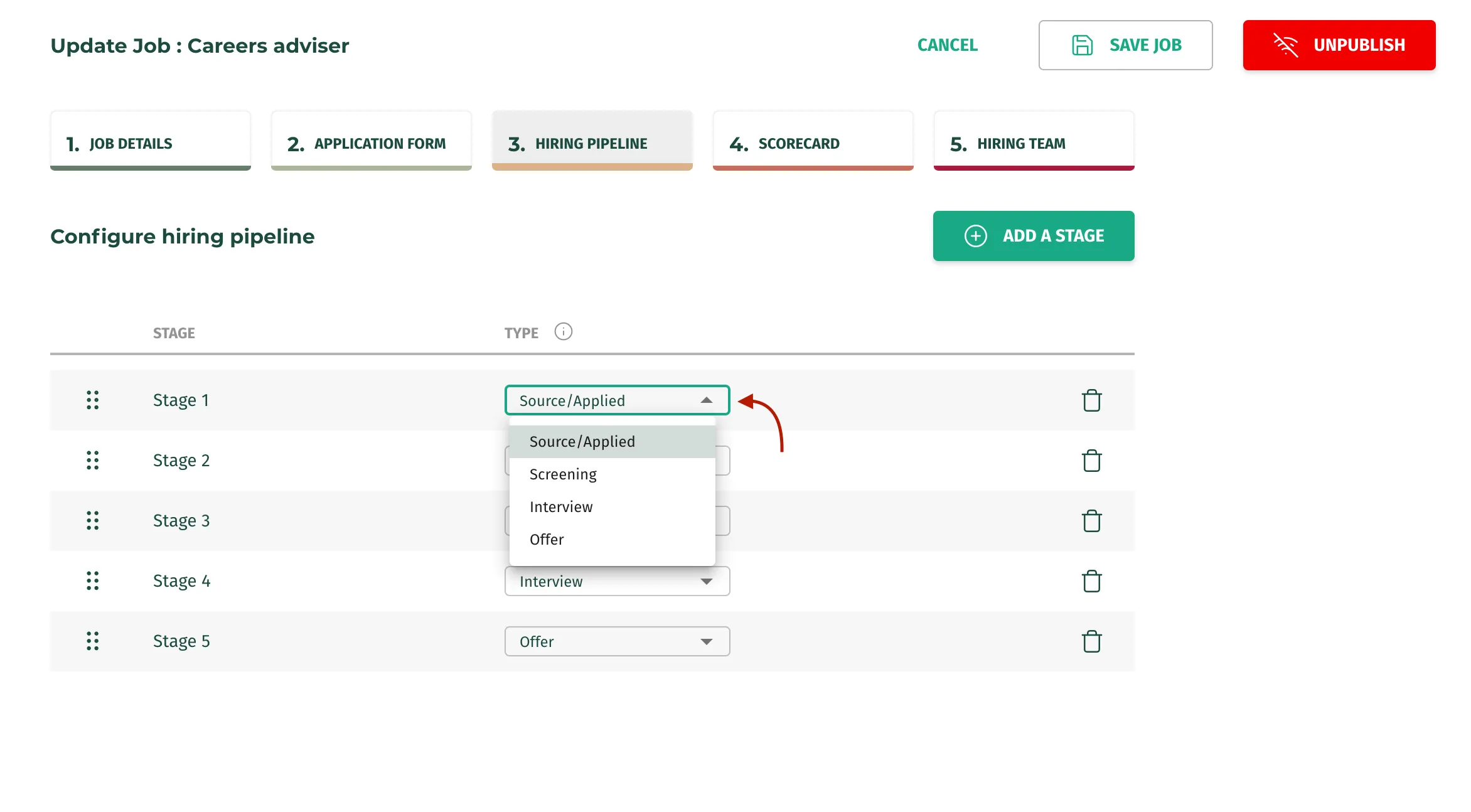
- You can assign a different type to your stage:
Important*: Do not forget to press the* “Save Job” button after making changes to your Job!!!!