

In order to change your profile’s information, follow the steps mentioned below.
- Sign in to your account.
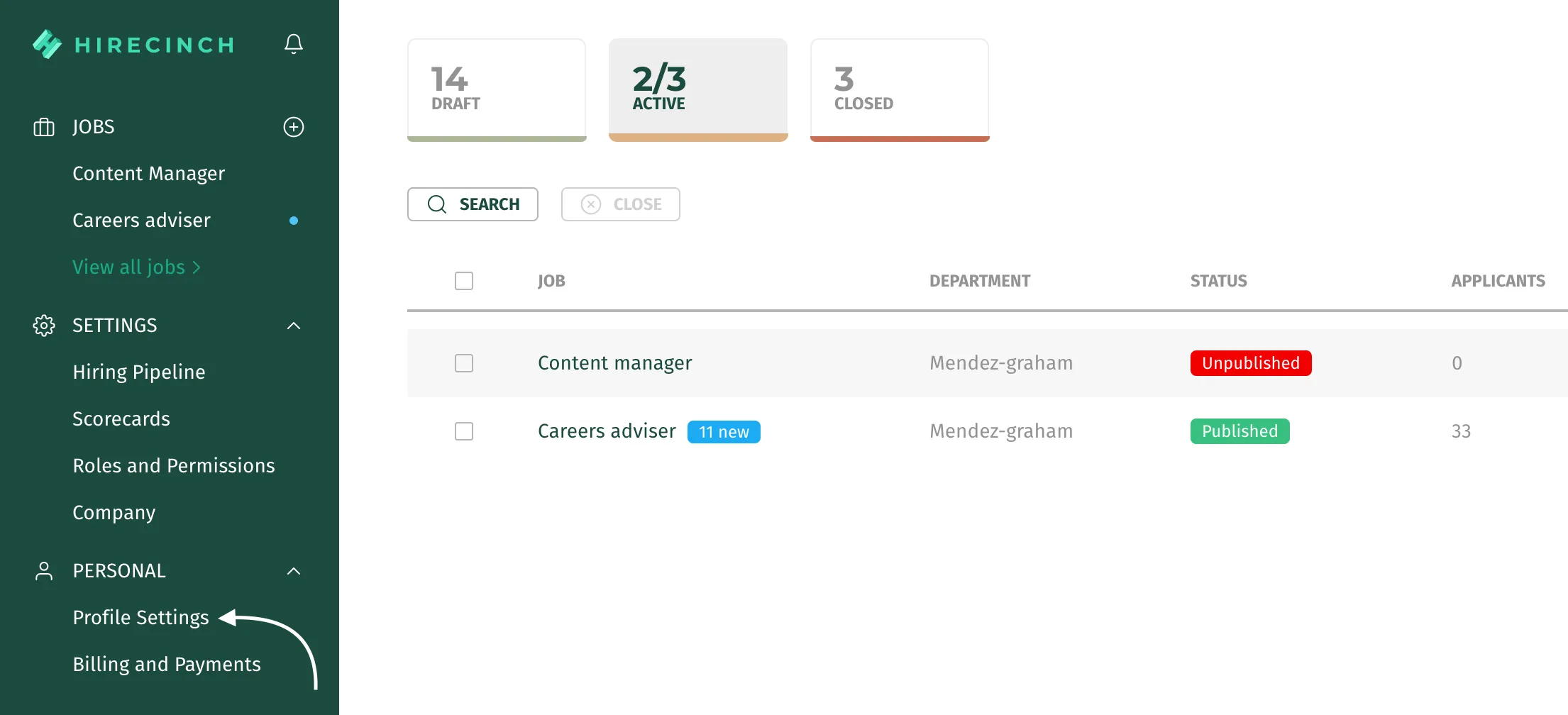
- On the left of your screen, you will be able to see an option called “Profile Settings” under the personal section. Click the “Profile Settings” button.
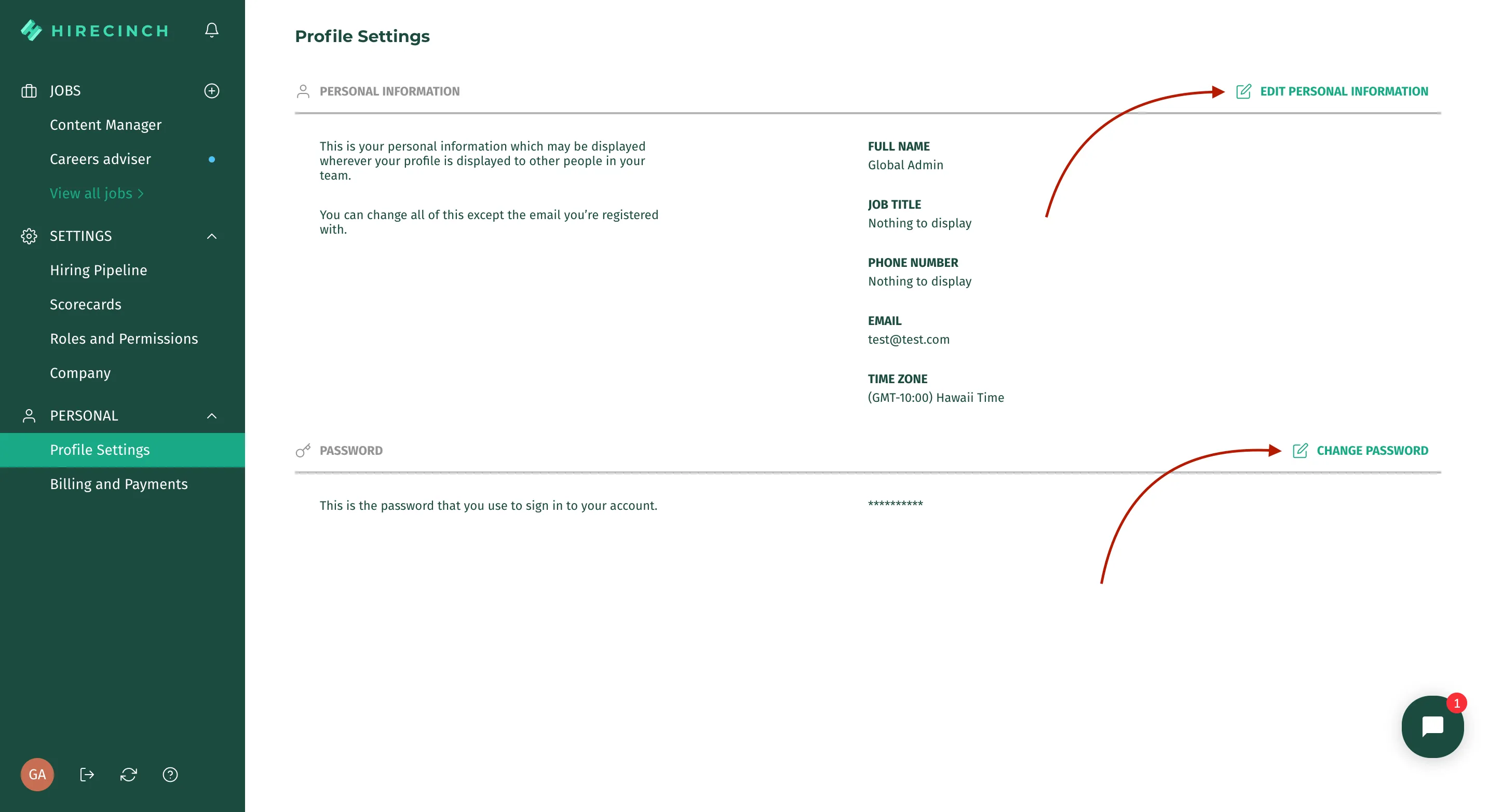
- From this page, you can:
- Update your profile’s basic information
- Change your password.
Important*: Whatever change you make, do not forget to press the save button!*