

In order to use a template in your job:
-
Open the job you want to edit.
-
On the top of your screen, you will see an edit button. Press it to enter job settings.
-
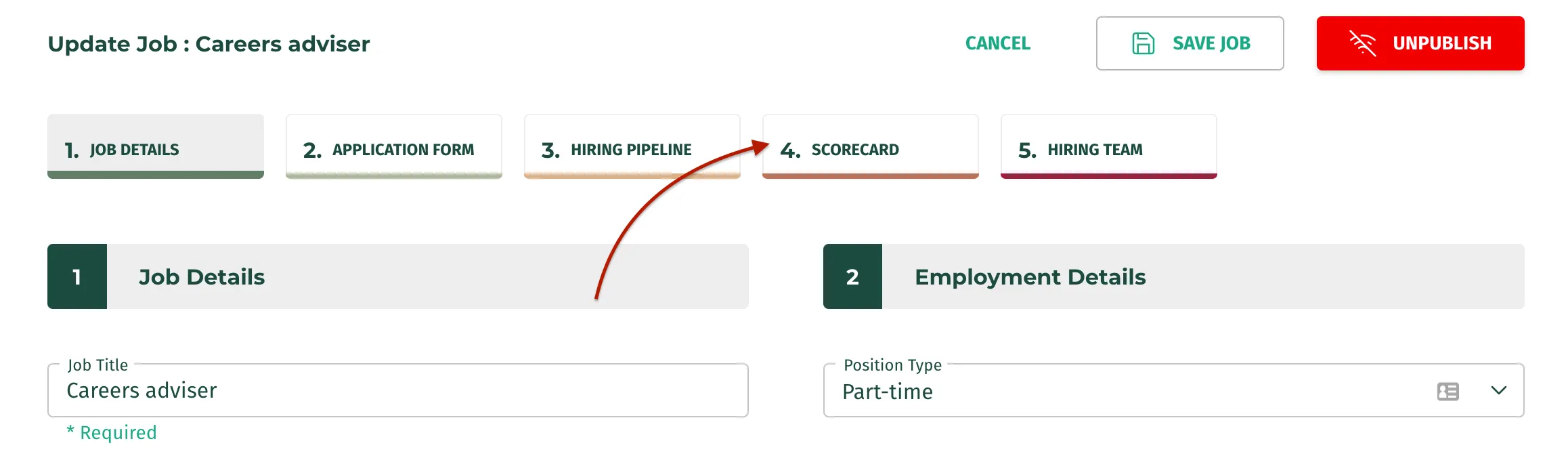
You will see a bunch of tabs, press the one that says ‘Scorecard’.
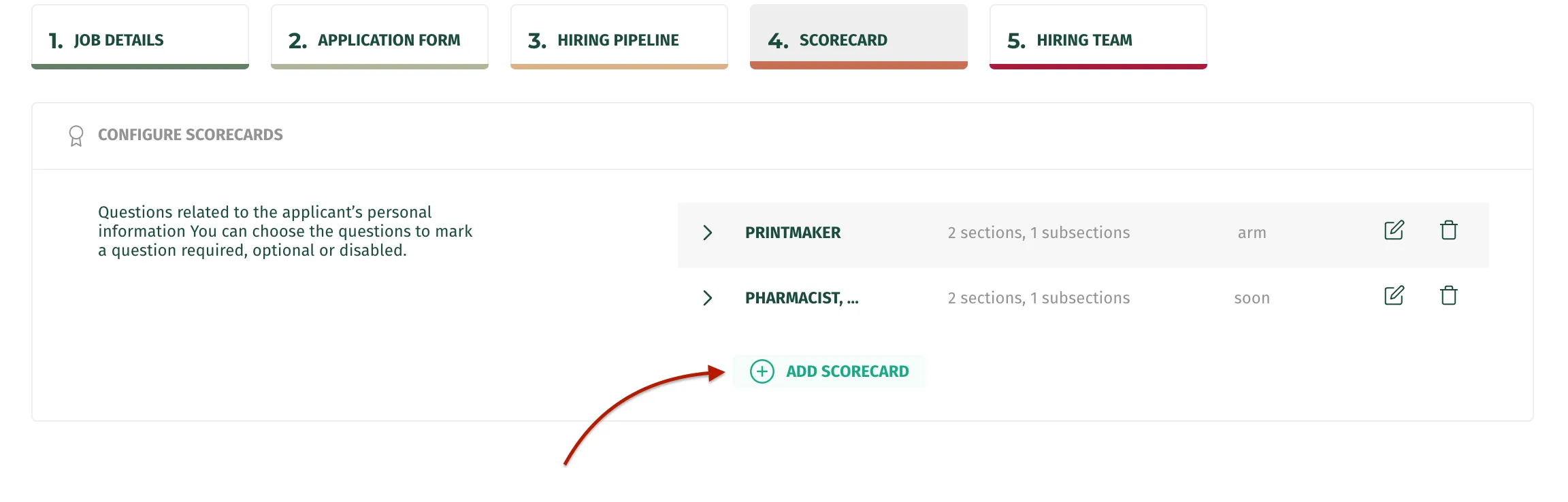
- Click on the add scorecard button.
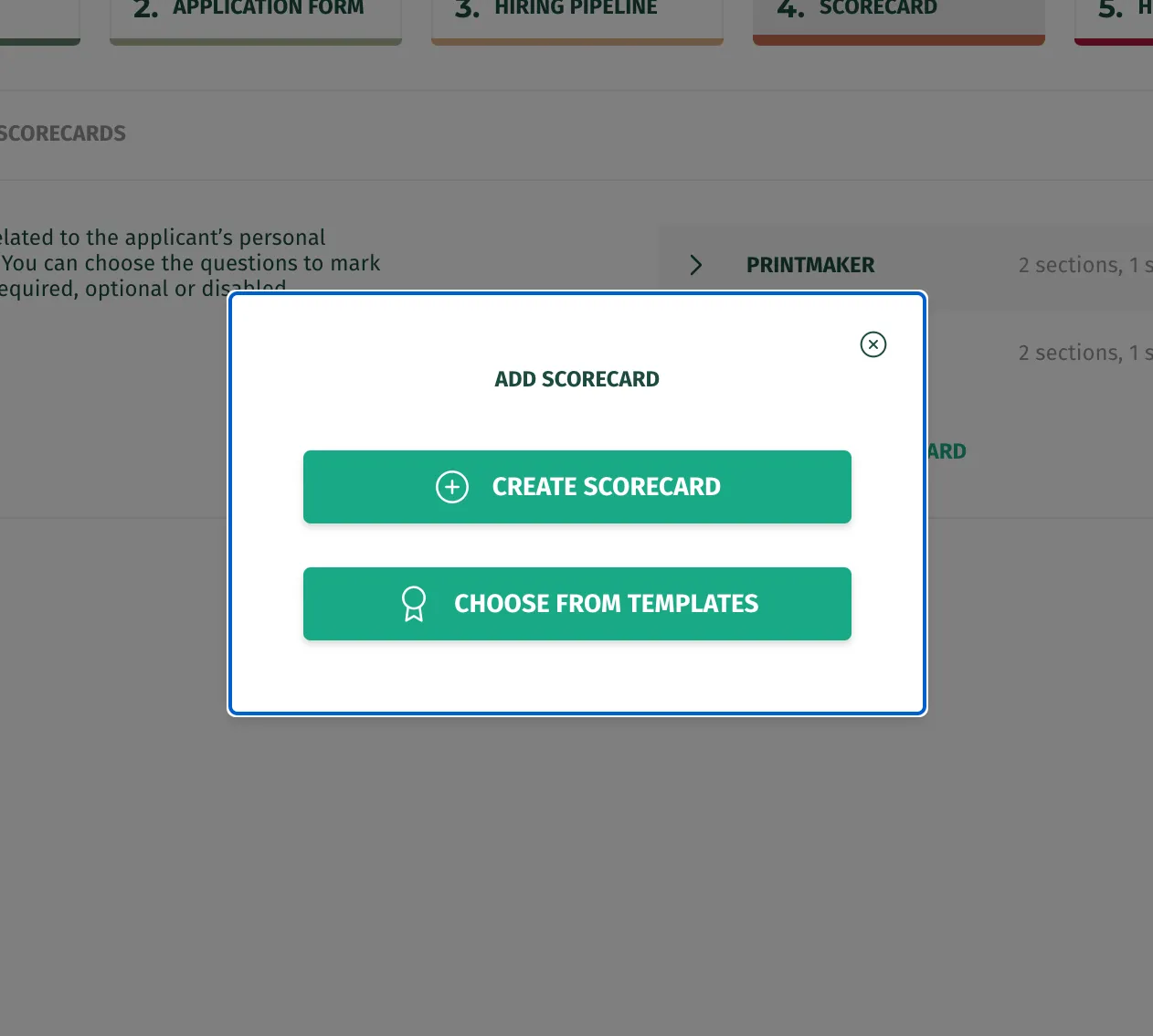
- From here you can either use a template or create a new one from scratch. If you use a template, you will still be able to edit it from your job settings, however, these changes will not reflect in your organisation’s templates.
- Once you have created a new scorecard or have used a template, attach it to a stage of your job and press the save button.
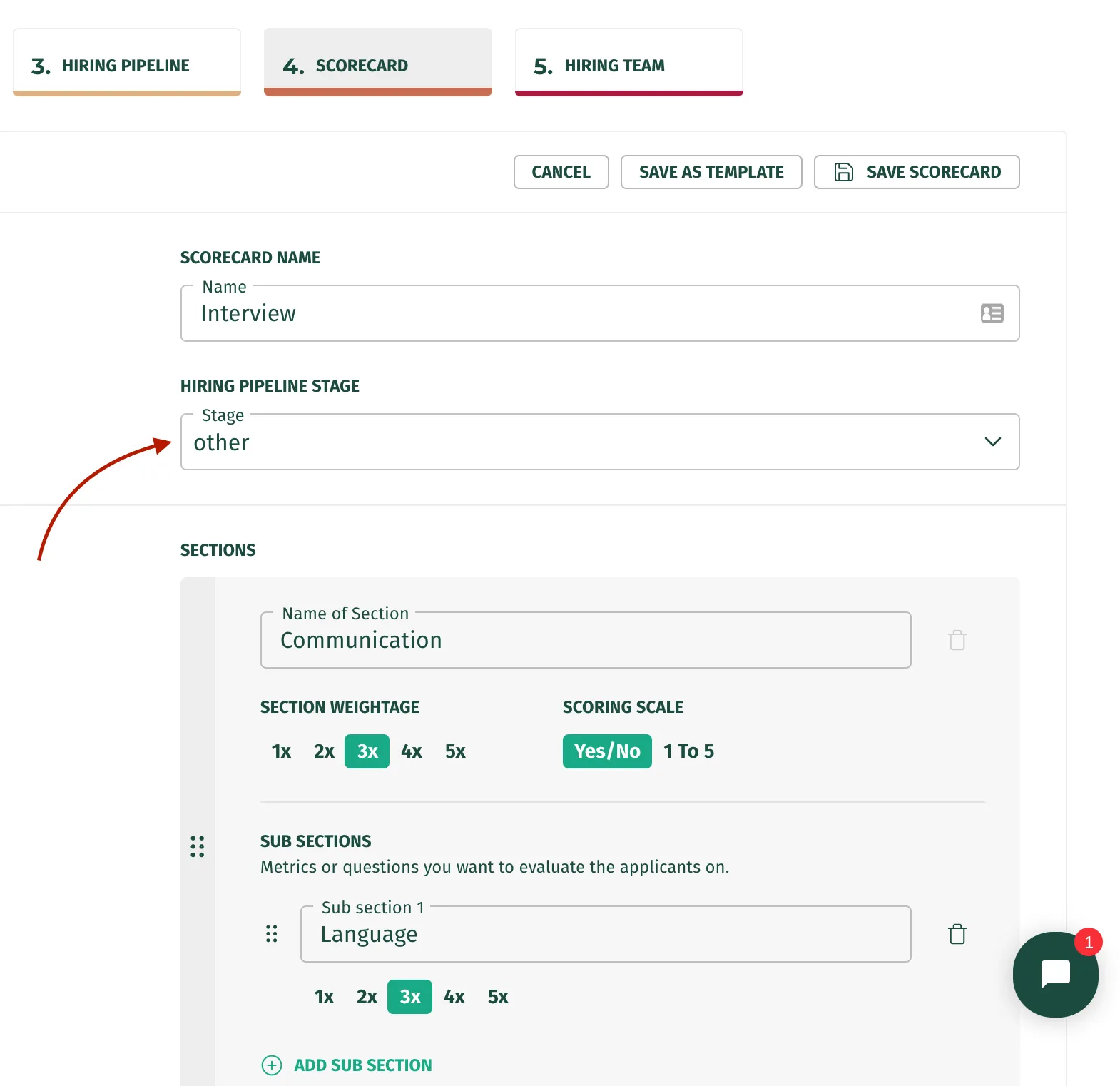
Pro-tip: If you have created a new scorecard, and would like to use it for another job as well, simply click on save as template and it will be saved in your organisation templates.
Note: Once you have saved your scorecard be very careful when editing it, because if you delete a section or subsection, it may cause you to lose data if an applicant has been scored against that section or subsection.