

- To sign up for Hirecinch, go to https://auth.hirecinch.com/signup.
- On the top right of your screen, you will be able to see a “Try for free” button.
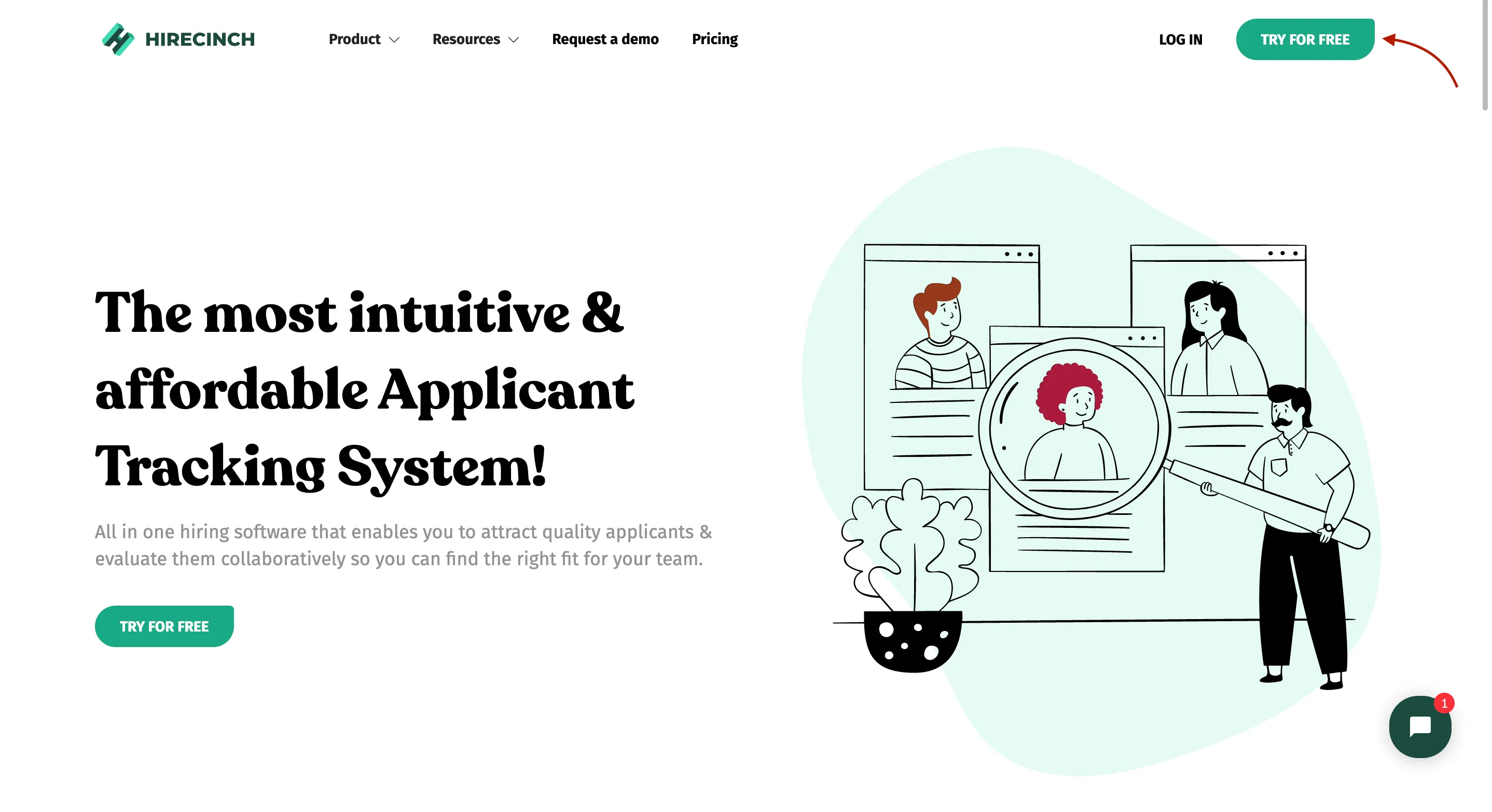
- Click on it and it will lead you to the Sign Up page.
- Enter the required details and press “Sign Up”.

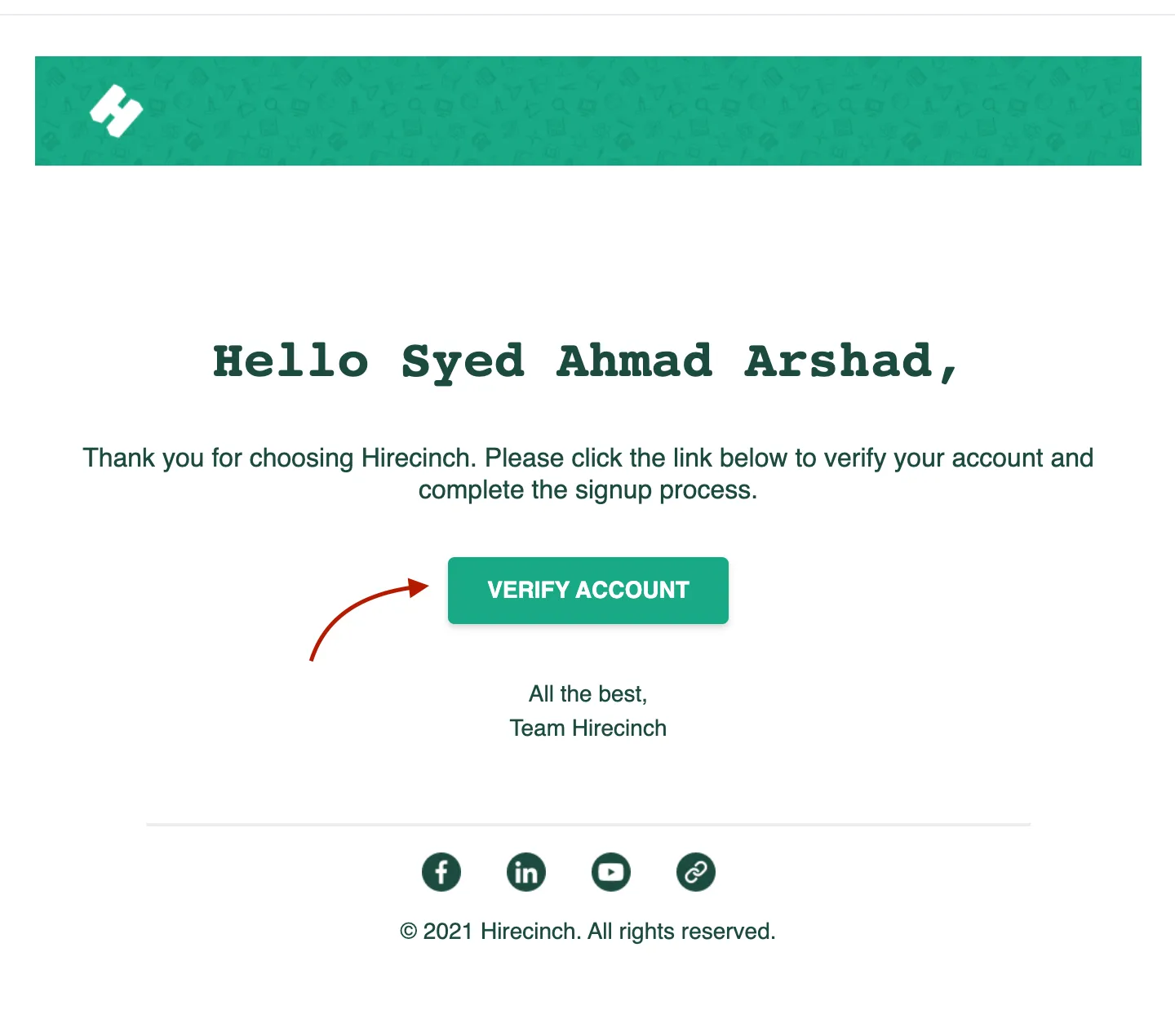
- An email will be sent to your email address (make sure to check in your ‘Others’ folder as well).
- Open the link you receive in your email and then click “Verify Account”
- You will then be redirected to the Login page