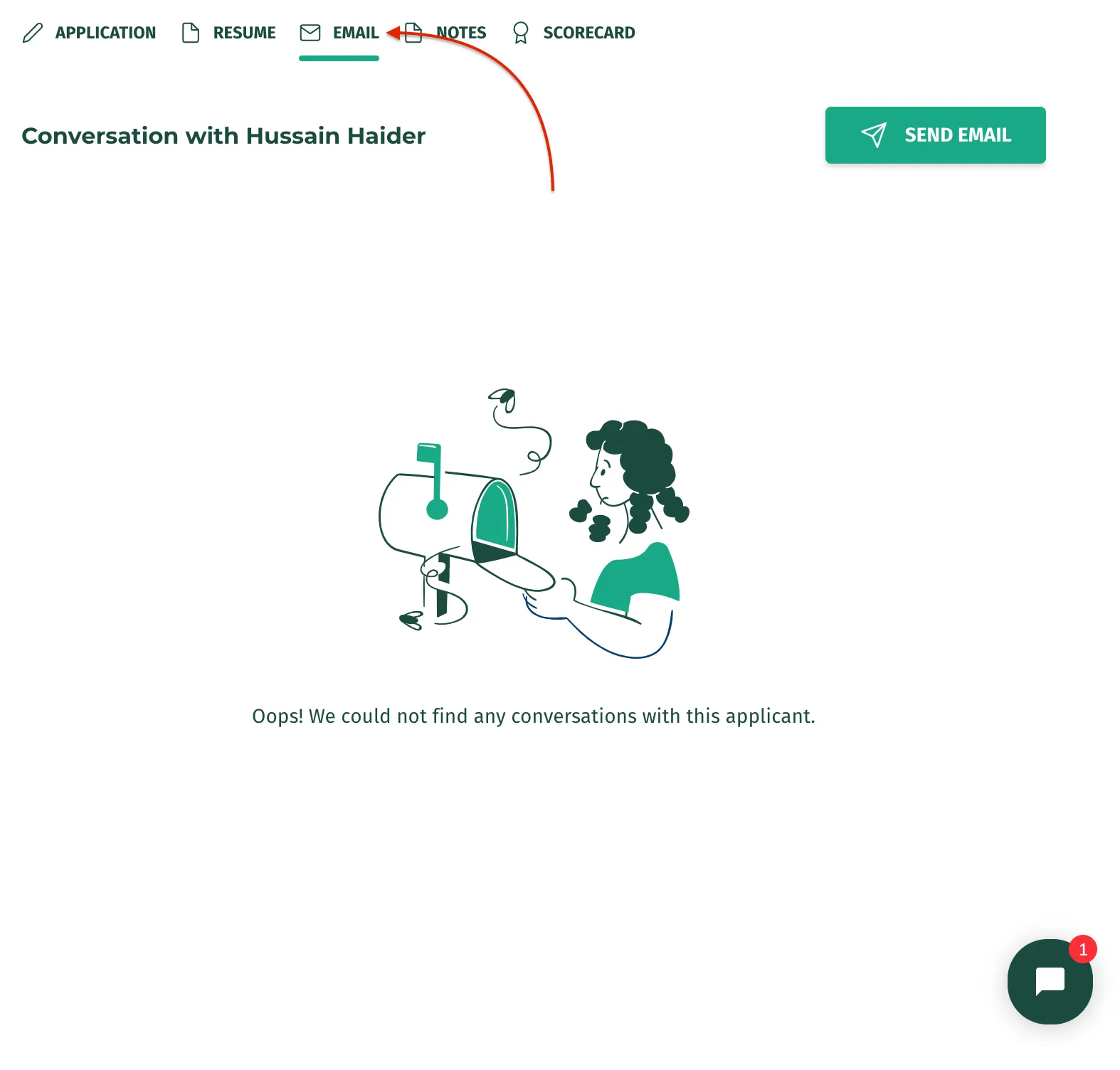

Open the job which has the candidate you want to edit. Once you find the candidate, click on it, this will lead you to the candidate’s profile. Once you’re inside a candidate’s profile you’ll be able to see a series of tabs on the top left side of the screen. Press on the ‘Email’ tab. There you will be able to see your team’s conversation with the candidate.